

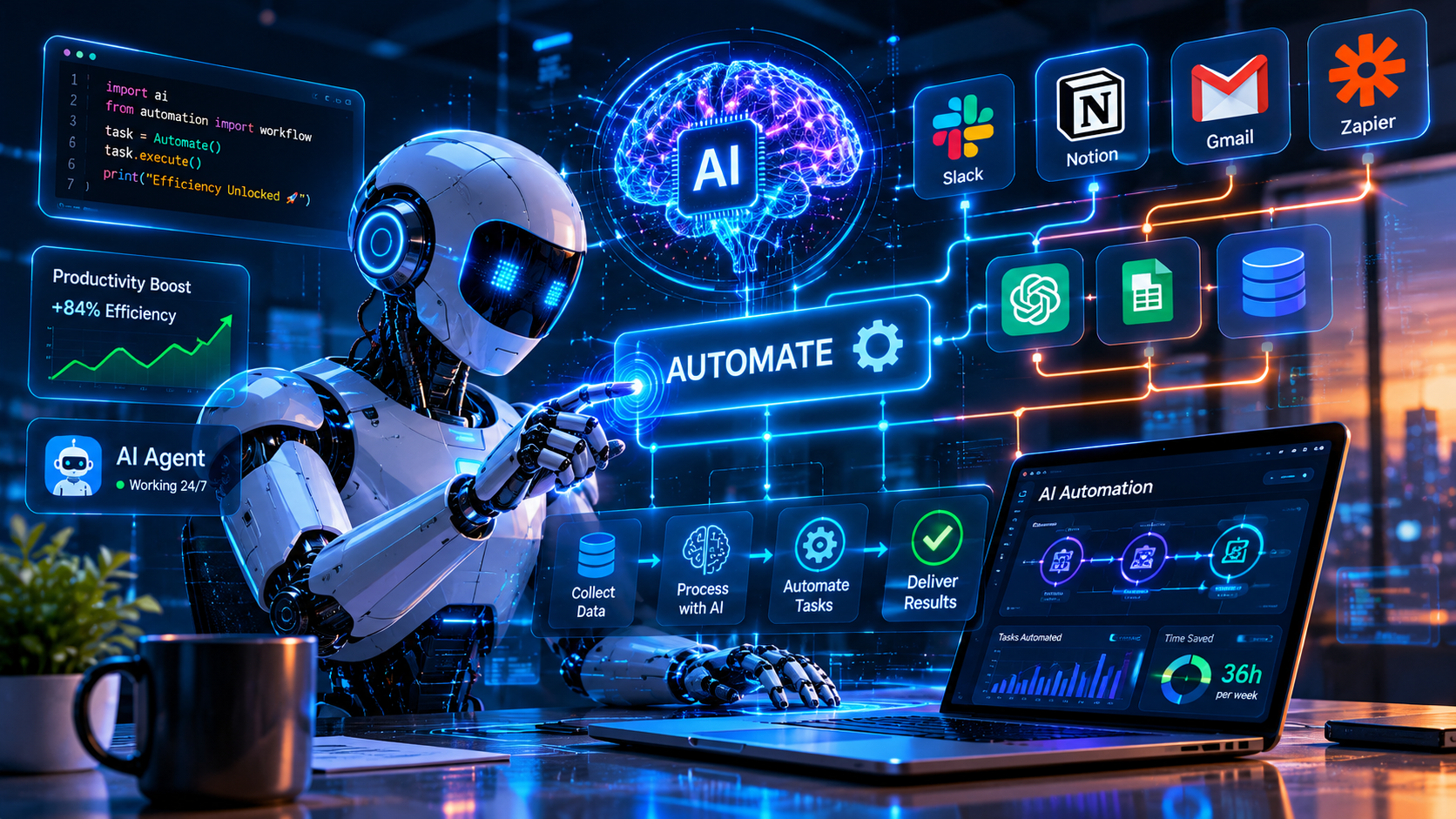
AI automation gets talked about like it’s one thing.
It’s not. It’s a spectrum — from simple rule-based workflows with an AI step bolted on, all the way to fully autonomous systems that make decisions, take actions, and handle exceptions without human involvement. Most companies are somewhere in the middle, often without knowing exactly where.
That lack of clarity is where most implementations go wrong. Not the technology. The understanding of what’s actually being built and what it’s actually capable of.
Here’s a clear-eyed look at what AI automation is, where it works, and where it quietly breaks.
What AI Automation Actually Means
Regular automation follows rules. If this, then that. Same input, same output, every time.
AI automation adds a judgment layer. The system can handle inputs that don’t fit a rigid template. It can classify, interpret, summarise, decide. It can process unstructured data — emails, documents, images, voice — and do something useful with it.
That’s the difference that matters. Traditional automation is a calculator. AI automation is closer to a very fast, very consistent junior employee who never gets tired and never has a bad day — but also never develops real judgment and can be confidently wrong in ways that are hard to predict.
Both have their place. Mixing them up is where the problems start.
Where AI Automation Actually Works
The strongest use cases share a common profile.
High volume. Repetitive enough that the pattern is learnable. Unstructured inputs that rule-based automation can’t handle. Humans currently doing the work who shouldn’t have to be.
Document processing. Invoices, contracts, forms, reports. AI automation can extract information, classify documents, flag exceptions, and route them to the right place — without someone reading each one manually. For companies processing hundreds or thousands of documents per week, this is where the ROI is clearest.
Customer communication triage. Inbound emails, support tickets, chat messages. AI automation can classify intent, extract key information, route to the right team, and draft initial responses. The human handles the conversation. The mechanical layer is automated.
Data extraction and enrichment. Pulling information from unstructured sources — web pages, PDFs, emails — and populating structured systems. The kind of work that used to require a data entry team.
Monitoring and alerting. Watching systems, logs, or data feeds for patterns that require human attention. AI automation can surface the signal from the noise faster and more consistently than manual monitoring.
The best workflow automation tools in 2026 provide the infrastructure these systems run on. The AI is the judgment layer. The workflow platform connects it to everything else.
Where It Breaks Down
This is the part that doesn’t make it into the demos.
Unstructured edge cases. AI automation handles the common cases well. It handles edge cases badly — and edge cases are where the important stuff often lives. A document that doesn’t fit the usual format. A customer message with an unusual situation. A data point that contradicts everything else. These are exactly the cases that need human judgment, and they’re the cases AI automation is most likely to mishandle confidently.
Compounding errors. In a multi-step automated workflow, a mistake in step two affects every subsequent step. By the time the error surfaces, it’s often embedded in multiple downstream systems. The longer the chain, the worse this gets.
Drift over time. The inputs to an AI system change. Customer language evolves. Document formats get updated. Business processes shift. An AI automation that worked well at launch can degrade gradually as the real-world inputs drift away from what it was trained on. Without monitoring, this is invisible until something breaks badly.
Accountability gaps. When AI automation makes a mistake, who’s responsible? This isn’t a philosophical question — it’s a practical one that affects how you design oversight, how you handle customer complaints, and how you explain decisions to regulators. Most implementations don’t have a clear answer.
The AI employees question gets at this directly. Automated systems that make consequential decisions need human accountability structures built around them — not added afterward.
The Implementation Mistakes That Keep Happening
Skipping the process audit. AI automation makes a process faster. It doesn’t make a broken process better. Before automating anything, understand the current process well enough to know where it actually fails. The automation will inherit those failure modes.
Underestimating the data requirement. AI systems need data to learn from. Clean, labelled, representative data. Most companies discover during implementation that their data is messier than they thought — inconsistent formats, missing fields, historical records that don’t reflect current reality.
No human review layer. The first version of any AI automation should have human review on the outputs. Not forever — but long enough to validate that it’s actually doing what you think it’s doing. Deploying without this is how silent errors compound for months before anyone notices.
Treating it as a one-time project. AI automation isn’t something you build and forget. It needs monitoring, maintenance, and periodic retraining as inputs evolve. Even experienced AI development companies plan for ongoing optimization and ownership to prevent systems from degrading over time. Teams that don’t account for this often end up with solutions that work for six months and then quietly fail.
AI Automation vs Business Process Automation
Worth being clear on the distinction.
| Traditional BPA | AI Automation | |
|---|---|---|
| Input type | Structured, consistent | Unstructured, variable |
| Decision making | Rule-based | Judgment-based |
| Handles exceptions | Poorly | Better, not perfectly |
| Maintenance | Low, stable | Higher, ongoing |
| Best for | Predictable, repetitive processes | Variable inputs requiring interpretation |
Most real-world implementations use both. Rule-based automation for the predictable parts. AI automation for the parts that need interpretation. The skill is knowing which layer to apply where.
This connects to the broader question of what business automation actually is — AI automation is one layer of a larger picture, not a replacement for thinking clearly about process.
What Good AI Automation Looks Like in Practice
A logistics company processes 2,000 inbound emails per day from suppliers, carriers, and customers. Before AI automation: a team of eight people reading, categorising, and routing each one. After: AI automation handles classification and routing for 85% of emails. The remaining 15% — exceptions, complaints, unusual situations — go directly to humans with context already extracted.
The team of eight became a team of three. The three people handle higher-value work. Response times dropped. Error rates dropped. The system gets reviewed monthly and retrained quarterly as email patterns evolve.
That’s what it looks like when it’s done well. Not “AI replaces the team.” AI handles the volume so the team can handle what actually requires them.
The fastest growing AI companies in 2026 are mostly building in this space — augmentation, not replacement, in high-volume operational workflows.
AI automation is one of the most practical applications of AI in business right now. The use cases are clear. The ROI is measurable. The technology is mature enough to deploy reliably.
The failures aren’t technology failures. They’re expectation failures — teams that automated without understanding what they were automating, or deployed without planning for what happens when it goes wrong.
Get the expectations right and the technology is the easy part.