How to Manage AI Employees in Your Team: What Nobody Tells You
Managing AI employees is nothing like managing humans.
And yet most teams treat it like it is. They deploy an AI agent, give it a vague brief, check in occasionally, and wonder why the outputs are inconsistent or the errors are piling up quietly in the background.
The mental model is wrong. AI employees don’t get tired, don’t have bad days, and don’t need motivation. They also don’t develop judgment, don’t flag problems they weren’t asked to look for, and can be confidently wrong in ways that don’t announce themselves.
Managing them well requires a different approach entirely.
First: Get Clear on What They Actually Are
Before you can manage AI employees effectively, you need an accurate picture of what you’re managing.
An AI employee — or AI agent — is a system that can handle multi-step tasks autonomously. It has access to tools, it makes decisions, it takes actions without a human directing each step. That’s the capability.
The limitation: it executes what it was set up to do, in the context it was given, with the information it has access to. It doesn’t notice problems outside its scope. It doesn’t escalate when it’s uncertain unless you built that in. It doesn’t learn from mistakes the way a human does.
What AI employees actually are is worth understanding deeply before you start managing them — the mental model shapes every decision you make about deployment and oversight.
Think of them less like junior employees and more like very capable, very fast, very literal systems that do exactly what they were configured to do — and exactly that.
Define the Job Before You Deploy
This sounds obvious. Most teams skip it.
Before an AI employee goes anywhere near real work, write down:
What it does. Specific tasks, specific inputs, specific outputs. Not “handles customer inquiries” — “reads incoming support emails, classifies them by type and urgency, drafts a response for tier-one queries, and routes tier-two and above to a human with context extracted.”
What it doesn’t do. The boundaries matter as much as the capabilities. What types of requests should always go to a human? What decisions is it not authorized to make? What data should it never access?
What good output looks like. How do you know when it’s working correctly? What does a high-quality output look like versus a mediocre one? This is your evaluation standard.
What failure looks like. What kinds of errors are acceptable and catchable? What kinds are unacceptable and need immediate escalation?
Write this down. It becomes your management document for the AI employee. It also forces you to think through edge cases before they cause problems.
Set Up Monitoring Before Anything Else
This is the step that separates teams that manage AI employees well from teams that discover problems six weeks after they started.
AI agents fail silently. A human employee who’s struggling usually shows visible signs. An AI agent producing wrong outputs does so quietly, at scale, until someone looks.
Monitoring means:
Output sampling. Regularly reviewing a random sample of outputs — not every one, but enough to catch patterns. If you’re reviewing zero outputs and trusting the automation completely, you’re not managing, you’re hoping.
Error alerts. Any workflow involving AI employees should have alerts configured for failures, errors, and unexpected behaviors. These should go to a specific person, not a general inbox.
Performance metrics. Define the metrics that indicate the AI employee is working correctly and check them regularly. Response time, error rate, escalation rate, output quality score — whatever’s relevant to the specific function.
Drift detection. Over time, the inputs to an AI system change. Customer language evolves. Business processes shift. An agent that worked well at launch can degrade gradually as real-world conditions drift from what it was configured for. Schedule a regular review — quarterly at minimum — to check whether performance has changed.
Build the Human Review Layer
For most AI employee deployments, some human review is not optional — it’s the thing that keeps the quality acceptable.
The question isn’t whether to have human review. It’s where to put it and how much of it you need.
High-stakes outputs always get reviewed. Anything customer-facing, anything involving significant decisions, anything where errors have real consequences — a human sees it before it goes out.
Low-stakes outputs get sampled. You can’t review everything. Random sampling of routine outputs is sufficient to catch systematic problems without reviewing every instance.
Escalation paths are explicit. When the AI employee encounters something it can’t handle well — an ambiguous input, an edge case, something outside its defined scope — it needs a clear path to a human. Build this in from the start, not after the first incident.
The AI automation layer is only as reliable as the oversight around it. The review process is not overhead — it’s what makes the automation trustworthy.
Give It an Owner
Every AI employee needs a human owner.
Not a team. A specific person. Someone who:
- Monitors performance regularly
- Updates the configuration when something changes upstream
- Is accountable when something goes wrong
- Reviews the outputs periodically
- Is the first call when something breaks
AI employees without owners become neglected infrastructure. Nobody updates them when processes change. Nobody investigates when the error rate creeps up. They keep running, producing increasingly incorrect outputs, until something embarrassing happens.
Assign an owner before deployment. Make it explicit in whoever’s job description it is. Include it in their regular responsibilities.
How to Handle Mistakes
AI employees make mistakes. How you handle them determines whether your team gets better at managing AI or stays in a cycle of surprise and firefighting.
When an error occurs: Don’t just fix the immediate problem. Trace it back. Was it a configuration issue? A data quality issue? An edge case the system wasn’t designed to handle? An input it wasn’t expecting?
Document what happened. Add it to the management document for that AI employee. Update the “what failure looks like” section. Improve the monitoring to catch this type of error earlier next time.
Decide whether to fix or escalate. Some errors point to a fixable configuration issue. Some point to a fundamental limitation — the task is outside what this system can reliably handle. Knowing the difference determines whether you improve the automation or route that task type back to humans.
The goal is a feedback loop: error occurs, root cause is understood, system or process is improved, monitoring is updated. Teams that do this consistently get better over time. Teams that treat each error as a one-off never improve.
Expanding Thoughtfully
Once your first AI employee is running reliably — with monitoring, with a human owner, with a review process — the temptation is to deploy more, faster.
Resist this temptation slightly.
Each new AI employee deployment is a new management responsibility. The overhead is lower than managing humans, but it’s not zero. Before expanding, make sure the foundation is solid: the management document is written, the monitoring is working, the owner is active, the review process is running.
Deploying ten AI agents without proper management infrastructure is worse than deploying three with it. The errors compound, the oversight gaps multiply, and you end up spending more time firefighting than the automation saved.
The fastest growing AI companies that are using AI employees effectively treat deployment like an engineering discipline — methodical, monitored, with clear ownership. Not a “deploy and see what happens” approach.
Managing AI employees is a new skill. Most people are figuring it out in real time on live systems.
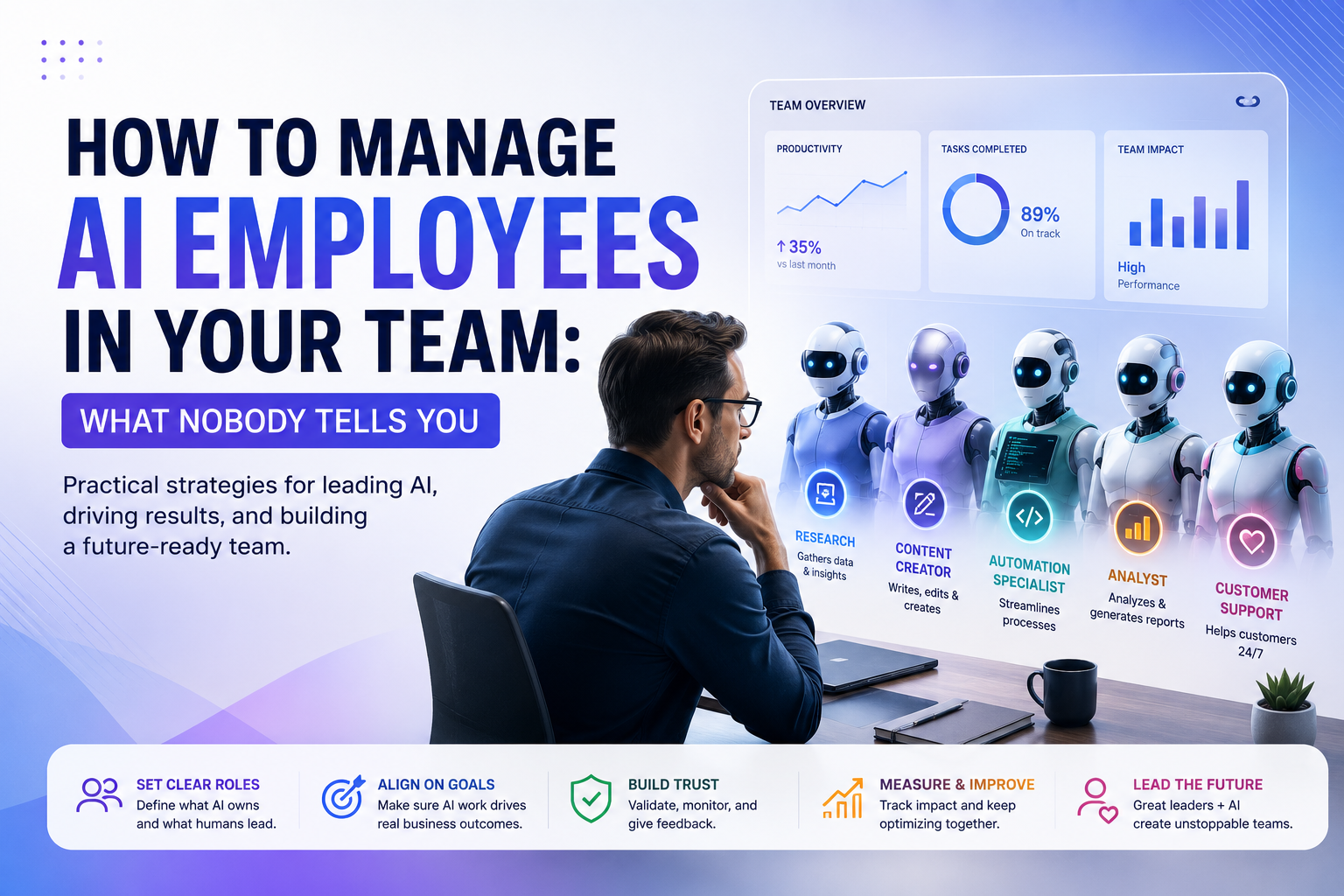
The teams doing it well share a common approach: clear job definitions, monitoring from day one, explicit human review, and a specific owner for each system.
The teams doing it poorly are discovering the gaps when something goes wrong publicly.
The good news: the management principles aren’t complicated. They just require doing the upfront work most people skip in the rush to deploy.