How to Use Perplexity AI: Tips and Tricks for Better Research
I switched my default research tool to Perplexity about eight months ago.
Not because someone told me to. Because I kept noticing that when I needed to find something specific — a recent stat, a company’s funding history, what actually happened in some industry — Perplexity got me there faster than Google, with less noise and more context.
It’s not perfect. There are things it handles badly. But for research workflows, it’s genuinely changed how I work. Here’s what I’ve learned about using it well.
What Perplexity Actually Is
Before the tips — a quick frame.
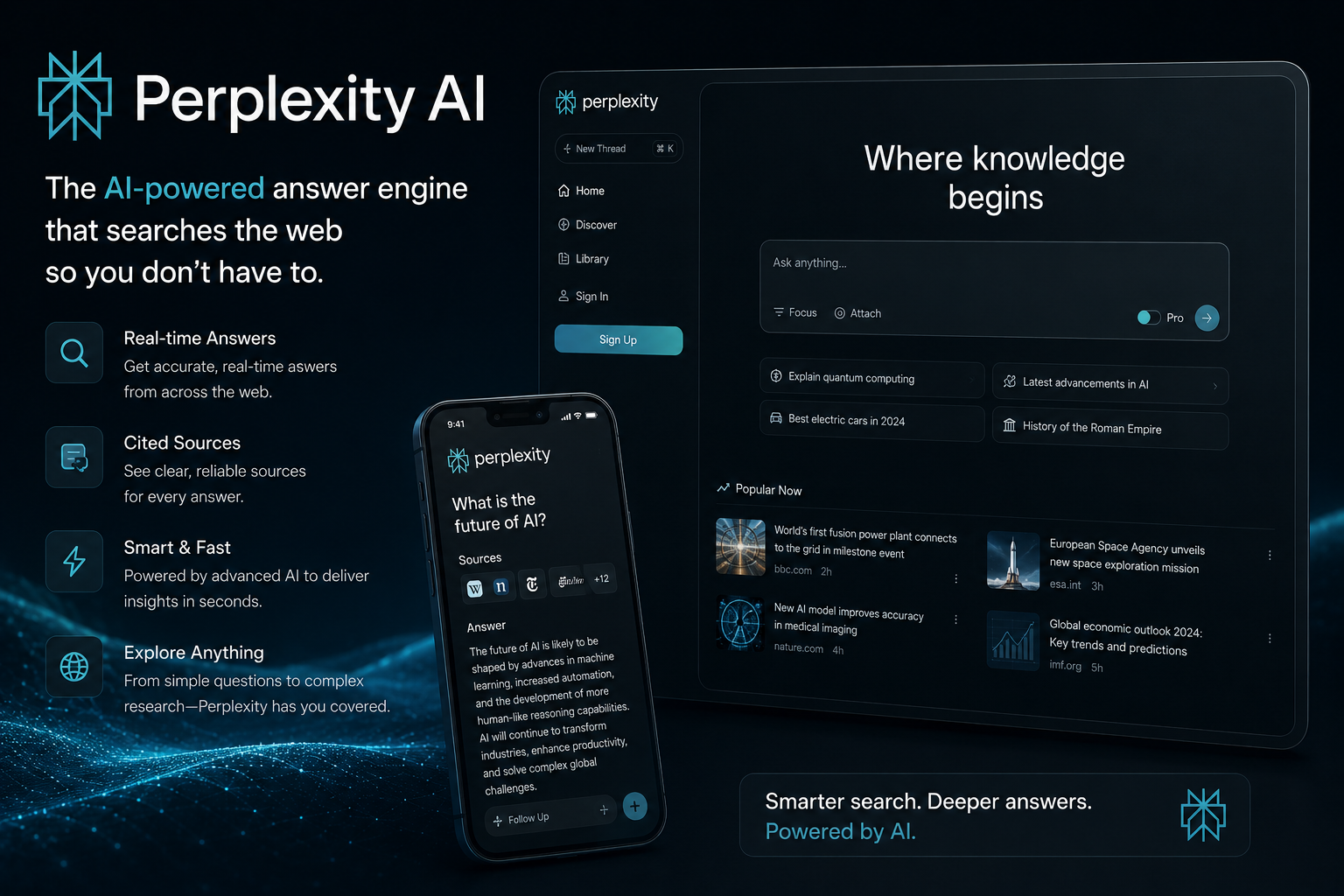
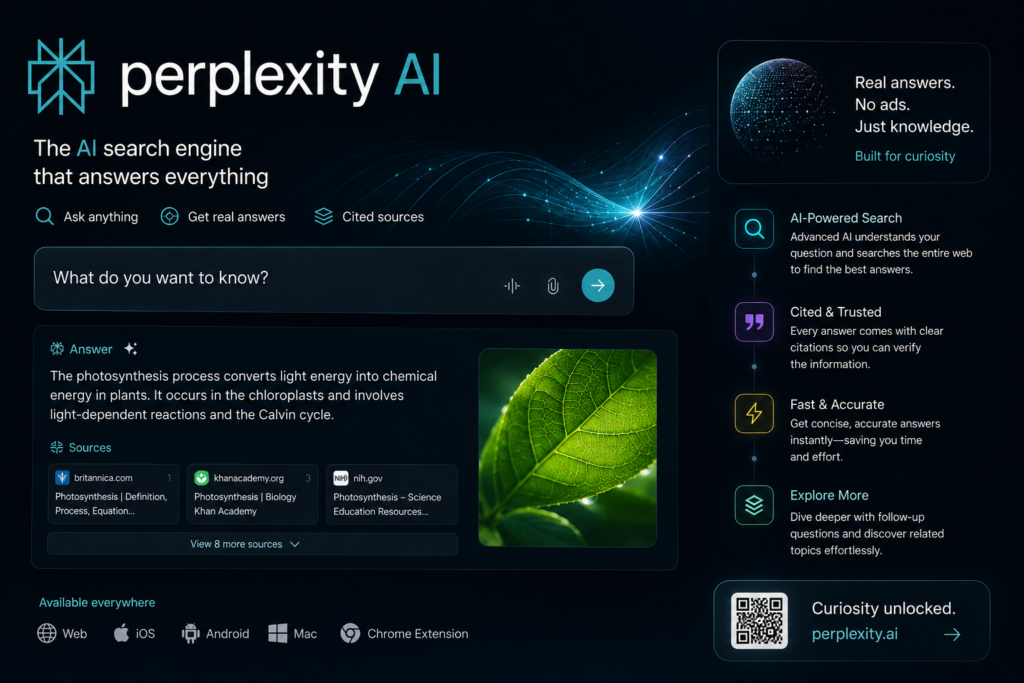
Perplexity is an answer engine, not a search engine. The distinction matters. A search engine shows you a list of pages and makes you do the work of reading and synthesising. An answer engine reads the pages, synthesises the information, and gives you a direct answer — with the sources cited so you can verify.
For research, that difference is significant. You get the answer first. You can read the sources if you need more depth. The cognitive overhead of sifting through ten blue links is largely gone.
It’s also not a chatbot that makes things up. The answers are grounded in current web sources, which means it’s more reliable for factual questions than asking a standard LLM without search access.
The AI agent tools comparison covers where Perplexity sits in the broader AI tool landscape — it’s one of the clearest ROI tools for anyone doing regular research work.
Getting Started: The Basics
If you haven’t used it before, the interface is simple. Type a question. Get an answer with numbered citations. Click the sources to verify or go deeper.
A few things worth knowing upfront:
Perplexity has a free tier that’s genuinely useful. You don’t need to pay to get value from it. The free version handles most research queries well. The Pro tier adds more powerful models, more searches per day, and better handling of complex queries — worth it if you’re using it heavily.
The default search mode is web-based. It’s pulling from current sources, which means it’s good for recent information. Unlike asking GPT-4 about something that happened last month, Perplexity will actually find it.
You can switch search focus. Academic papers, news, social media, video — you can narrow the source type depending on what you’re looking for. More on this below.
The Tips That Actually Make a Difference
Ask Specific Questions, Not Broad Ones
The biggest mistake people make with Perplexity is asking it the same vague questions they’d type into Google.
“AI trends” gets you a generic overview. “What AI companies raised Series A rounds in Q1 2026” gets you specific, actionable information.
The more specific the question, the better the answer. Perplexity can handle nuance — give it some.
Use Follow-Up Questions
Perplexity maintains context within a conversation thread. You don’t have to start over with each question.
Ask your initial question. Get the answer. Then go deeper with follow-ups:
- “Can you expand on the third point?”
- “What’s the source for that statistic?”
- “How does this compare to what happened in 2024?”
- “What are the counterarguments to this?”
This conversational drilling is where Perplexity really earns its place. You can go from a broad overview to specific detail without reformulating your entire query each time.
Switch the Focus for Better Sources
The default web search is good for general queries. For specific research needs, switching the focus changes the quality of sources significantly.
Academic — for peer-reviewed research, studies, scientific papers. If you’re looking for data with real methodological rigor, this is the mode.
News — for recent events and current coverage. Filters toward journalism rather than blog posts and marketing content.
Social — for what people are actually saying about something right now. Useful for sentiment, emerging discussions, or tracking how a topic is evolving in real time.
Switch the focus before you search, not after. It changes what Perplexity pulls from, not just how it presents the results.
Ask It to Compare, Not Just Explain
Perplexity is unusually good at comparison queries.
“What’s the difference between X and Y” is fine. Better: “Compare X and Y across these specific dimensions — pricing, use case, limitations.”
The structured comparison output is often more useful than two separate explanations because it forces the answer into a format that makes the distinctions visible.
Use It for Research Rabbit Holes
One of the most underused patterns: start with a broad question, use the cited sources to identify the most relevant ones, then open those sources and ask Perplexity follow-up questions about specific things you find in them.
This combines the speed of AI synthesis with the depth of primary sources. You’re not trusting Perplexity as the final word — you’re using it to navigate faster and identify what’s worth reading.
For anyone doing competitive research, market analysis, or staying current on a fast-moving field — this workflow saves hours compared to manual searching.
What Perplexity Is Bad At
Honest assessment matters here.
Very recent events. There’s a lag between something happening and it being indexed. For breaking news in the last few hours, Perplexity may not have it yet.
Highly specialised technical depth. For deep technical questions in niche domains, the synthesised answer can be superficially correct but miss important nuance. Always verify against primary sources for anything where the details really matter.
Creative or generative tasks. Perplexity is a research tool. Asking it to write something or generate ideas is using it for the wrong job. For that, tools like Claude or ChatGPT are better suited. The best generative AI tools each have their lane — Perplexity’s lane is research.
Opinions and analysis. It synthesises what sources say. It doesn’t have independent analytical judgment. For analysis, you still need a human — or a more reasoning-focused AI tool.
Building Perplexity Into Your Workflow
The people who get the most out of Perplexity use it consistently for specific tasks rather than occasionally for everything.
Here’s how I use it:
Morning briefing. A few specific questions about what happened overnight in areas I track. Faster than reading three newsletters.
Background research before writing. Before starting any piece of content, I use Perplexity to get current on the topic — recent data, recent developments, what’s being discussed. Takes fifteen minutes instead of an hour.
Fact-checking during writing. When I make a claim and want to verify it quickly, Perplexity with the academic focus is faster than searching databases manually.
Competitive monitoring. Periodic queries about specific companies, products, or trends I’m tracking. Perplexity surfaces recent coverage I might have missed.
The pattern: specific questions, focused sources, follow-up drilling. That’s the workflow that compounds over time.
Perplexity Pro — Is It Worth It
The free tier is genuinely good. The Pro tier is worth it if you’re hitting the limits.
Pro gives you access to more powerful models (Claude, GPT-4o, and others), more searches per day, file upload for document analysis, and better handling of complex multi-part queries.
If you’re using Perplexity as a daily research tool rather than occasionally, Pro pays for itself quickly in time saved. If you’re still figuring out whether it fits your workflow, start free.
Perplexity won’t replace every research tool you use. It doesn’t need to.
For getting a fast, sourced answer to a specific question — for navigating a new topic quickly, for staying current without drowning in tabs — it’s the most useful research tool I’ve added to my stack in the last year.
The tips above are the ones that actually changed how I use it. Start with the follow-up drilling. That’s where most people leave value on the table.